
Track calculators, textbooks, and classroom supplies without a paper checkout sheet. Create your classes, add student rosters, and check items out with a few taps. See who has what—and mark it returned when it comes back.
Completely free · No ads or subscriptions · Works offline
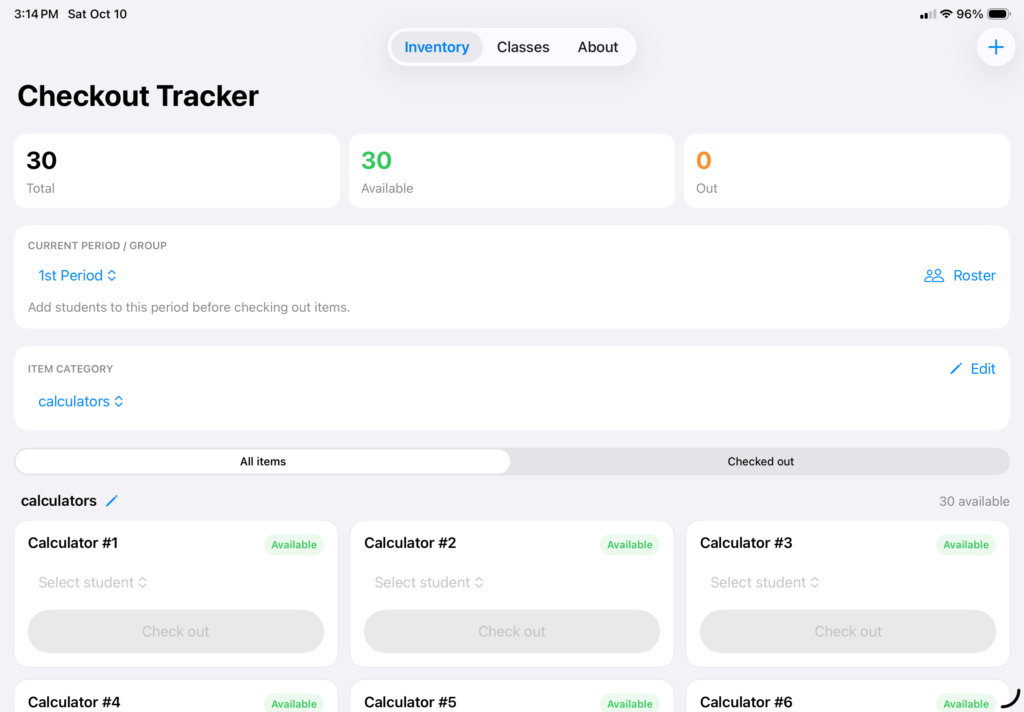
Was that calculator borrowed during first period or third? Who still has the extra textbook? Checkout Tracker keeps those details in one place. Select your class, choose a student, and check out an item. It stays marked as borrowed across every period until you record its return.
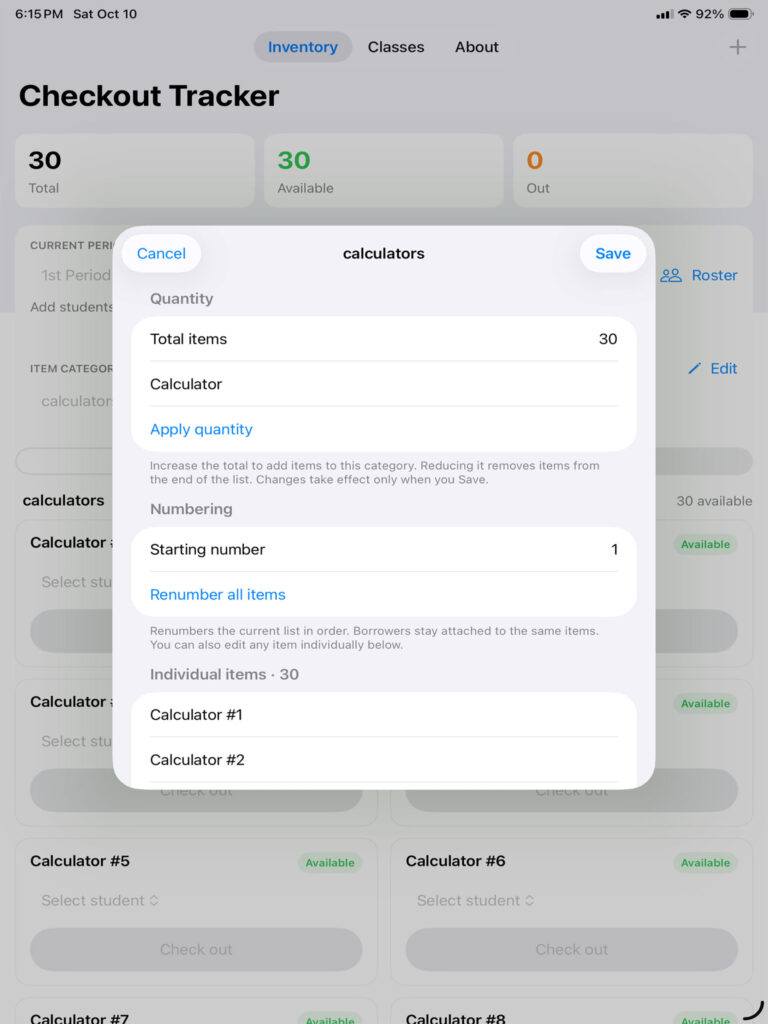
Calculators, textbooks, headphones, or something unique to your classroom—create a category and add the items you need to track. Use numbered sets or give each item its own name.
Select a category to see just that list. Need more calculators or different numbering? Edit the items anytime without losing track of who has them.
Create categories for calculators, books, or other items. Add numbered sets and customize names to match the labels on your supplies.
Select a class and student, then tap Check out. The item stays unavailable across all periods until you tap Return item.
Create classes, import rosters, organize supplies, and track checkouts and returns. Every feature is included.
No ads, subscriptions, or in-app purchases.
Student names, inventory, and checkout details are stored locally. No account is required, and core features work offline.
Each iPhone or iPad keeps its own records. There is no cloud sync.
Quick Links